Photo booth software for event operators
A free plan you can run a real wedding on.
An iPad photo booth for the people who run them. Design the print strip; the booth shoots to match, prints on the spot, and sends every guest their photos.

Capture, effects, strip assembly, and printing all happen on the device — a venue with no usable Wi-Fi does not stop the booth.
How a session runs
One session, four steps, nothing for a guest to figure out.
Guests never pick a “mode.” The template you designed already answered every question the booth would otherwise have to ask them.
01
You design the template
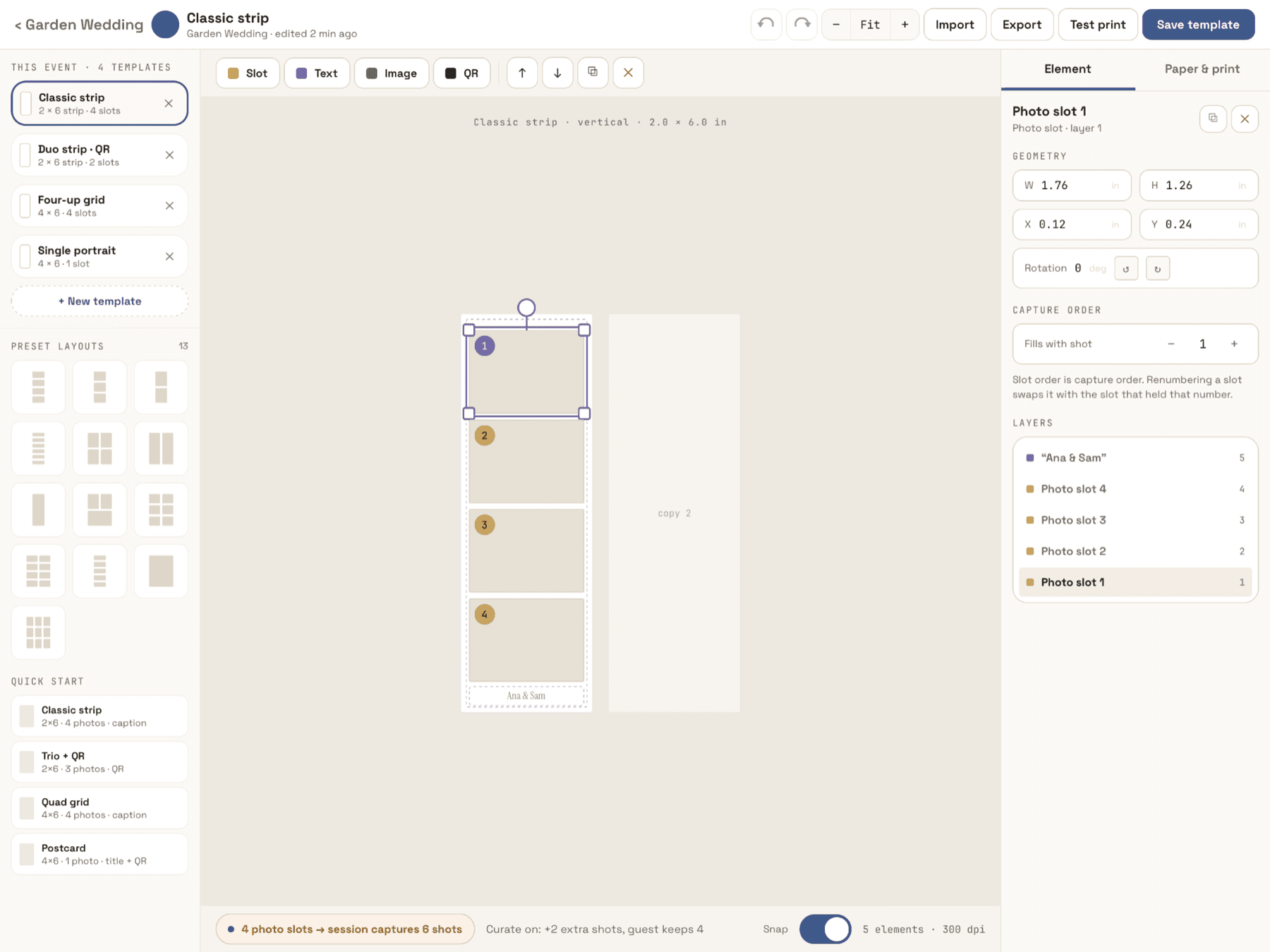
Place the photo slots, text, logos, and a QR on the print layout, then pick a paper size — a preset or your own dimensions, portrait or landscape. That layout is the source of truth: its slot count sets how many photos the session captures, and its slot order sets the order they are shot in. Enable more than one template and the guest picks a frame to start.
02
Guests shoot the session
One continuous session captures exactly the shots the template asks for. Separate countdowns for the first shot and the ones after it, a configurable pause between shots, a shot-progress indicator, and per-shot retake. There is no mode menu to explain — the guest taps start and poses.
03
They keep the ones they like
Turn on Curate mode and the session shoots more frames than the template needs, then lets the guest choose and order which ones fill each slot, with the strip assembling as they pick. Filters, a glam pass, and stickers are applied on the device, so the preview on screen is the print.
04
The strip prints, the bundle goes out
The finished strip goes to your AirPrint printer while the same session composes a digital bundle: the assembled strip, the individual cuts, and a looping GIF of the session. Guests take it by QR, text, email, or AirDrop. The GIF is a byproduct of shooting — never something a guest had to select.
What a guest takes home
A strip in their hand, and the clip that made it.
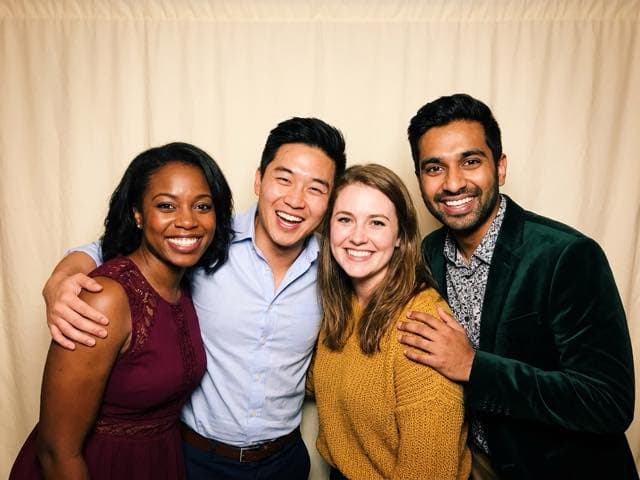
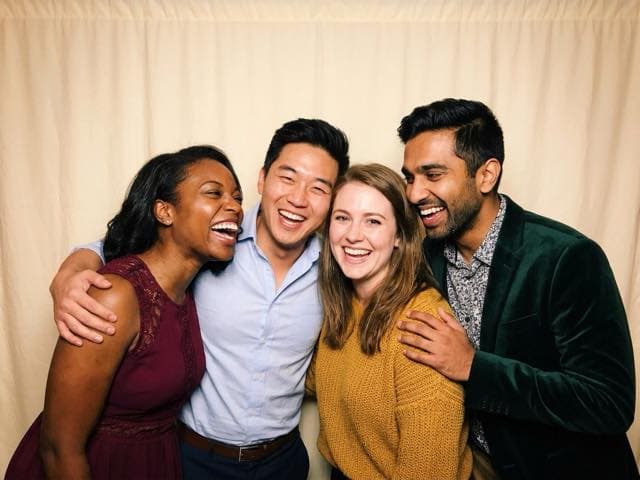
The print template decides how many photos a session captures and in what order — four slots means four shots. The motion clip is a byproduct of the same session; nobody has to choose it.
What you get
Built for the operator half of the night.
The guest-facing part is thirty seconds of fun. The rest of it — setup, branding, delivery, print, and the awkward moment when a send fails — is the part that decides whether you get rebooked.
A print layout editor that drives the booth
Place and resize photo slots, captions, client logos, and a QR that resolves to that session's own gallery. Preset paper sizes or custom dimensions, portrait or landscape, several templates per event. What you lay out is what the booth shoots and what the printer prints — one geometry, no surprises between preview and paper.
Branding that belongs to the event, not the app
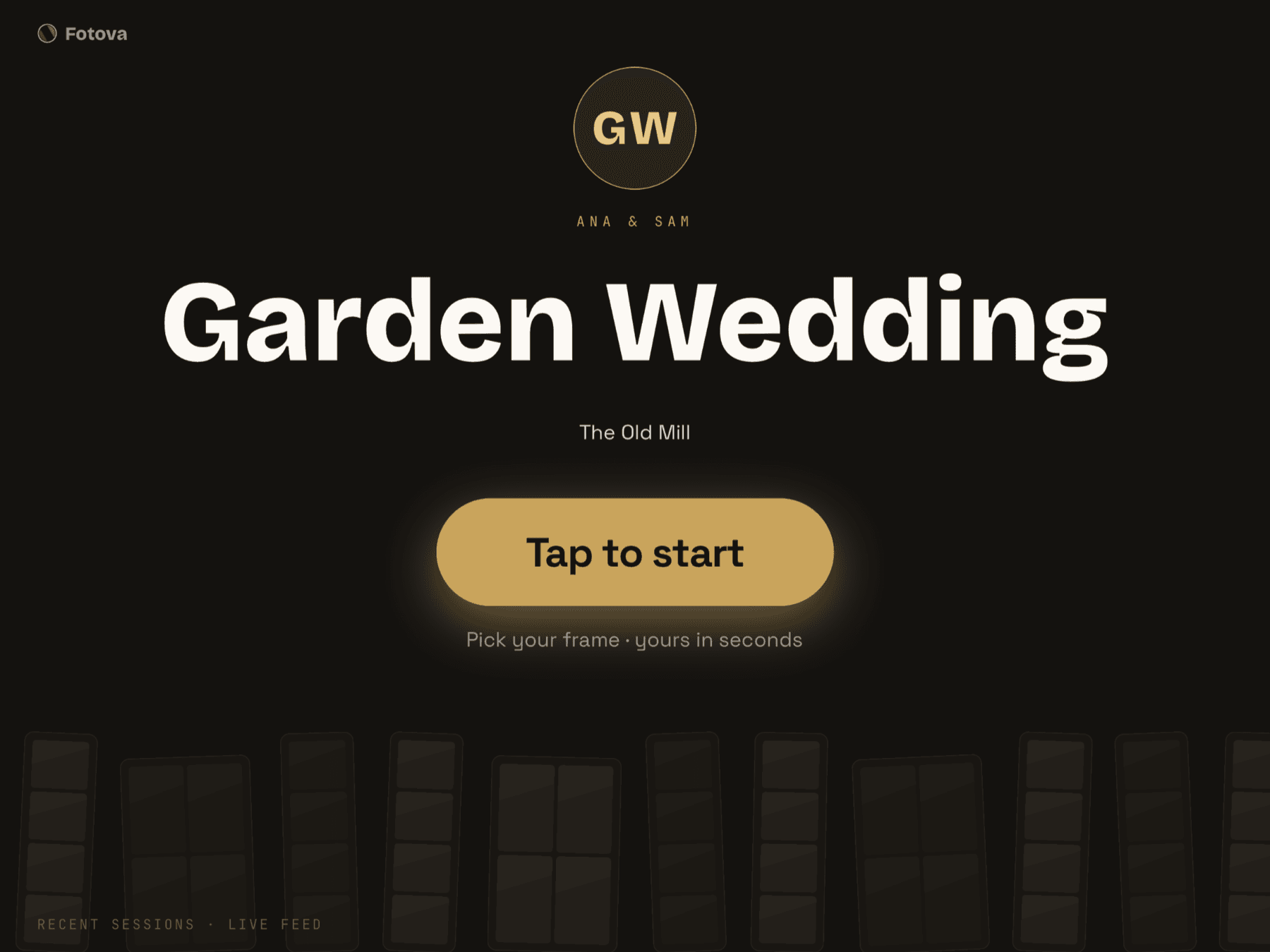
Each event carries its own accent color, welcome background, headline, and start-button label, plus the client's logos and stickers. Set it once on the event and the whole guest-facing kiosk inherits it — attract screen through thank-you.
Offline is the default, not the fallback
Capture, filters, strip assembly, GIF encoding, and printing all run on the iPad. Nothing in the guest's path waits on a server, so a venue with unusable Wi-Fi does not stop the booth. Texts and emails queue durably and send themselves when a connection returns, and the queue survives an app restart.
Delivery you can actually watch
Every text and email is a queue item with its own pending, sending, sent, or failed state and a retry. Print jobs get the same treatment. When something fails you see the real reason and can resend it — instead of hearing about it from the guest a week later.
Locked down for an unattended floor
The booth runs full-screen with swipe-back and hardware back disabled. Getting out takes a PIN only your staff knows, so an iPad you left on a plinth is still a booth an hour later.
Sessions you can go back to
Every finished session is listed under its event with its strip, so you can reprint a copy for a guest who walked off without one, or resend the bundle to a different number after the night is over.
Pricing
Events are unlimited on every plan.
Running events is never the paywall — an event is just a config record, so capping it would punish setup rather than reflect cost. What you pay for is whose branding guests take home, how many booths you can run at once, and how their photos reach them.
Free
Free
A Fotova footer bar and corner mark. 1 booth, device camera, up to 30-day cloud retention.
Starter
$12/mo
$10/mo billed annually
A small fotova.app tag on the strip. 1 booth, device camera, up to 90-day cloud retention.
Pro
$29/mo
$24/mo billed annually
Your branding only, no Fotova mark. Multiple booths, external or device camera, up to 365-day cloud retention.
Subscribe in the iPad app or on the web; manage it wherever you bought it. Prices shown here are web prices; App Store prices are higher because they include Apple’s commission. App Store prices are shown in the app. Guests never pay anything at the booth. Launch prices are early-adopter rates for subscriptions bought on this website. A subscription bills from the day you start it.